
Parameters & Knobs
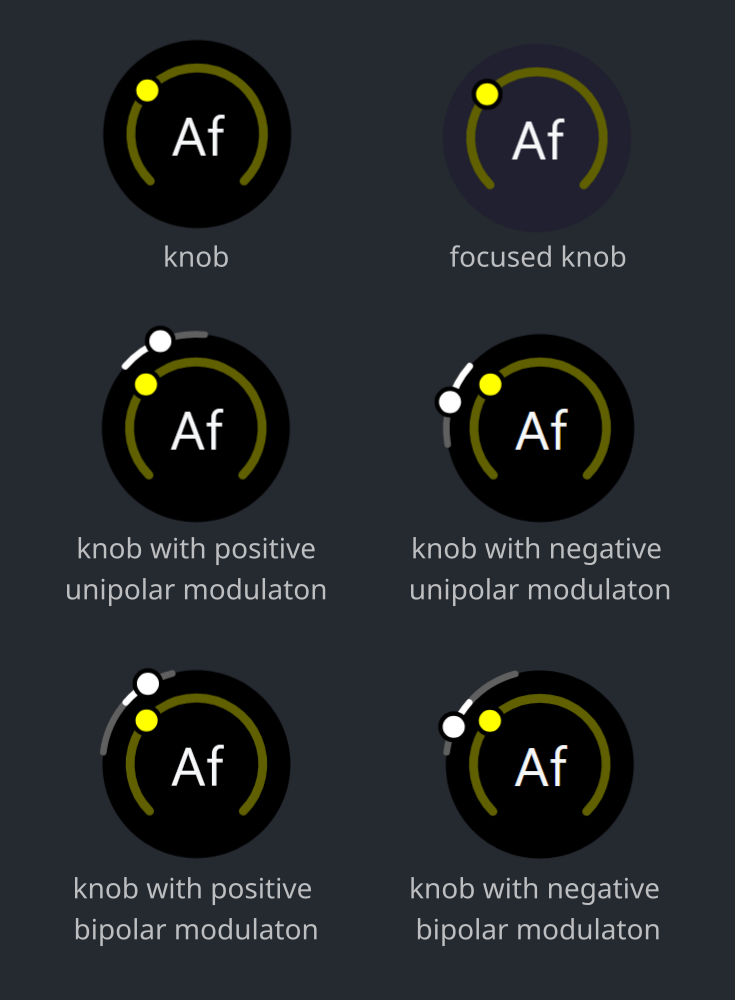
Modules have parameters that define how they produce or alter the sound of the current frame.
Each parameter is controlled by a dedicated knob in the UI. You can adjust the base value of the parameter by rotating this knob.
Most module parameters are designed so that gradual adjustments produce corresponding gradual changes in the sound.
Some parameters include additional "fine" adjustment knobs (e.g., "amount" and "fine amount"), where small changes are expected to produce interesting results.
Mouse, touch, and key strokes
- reset base value to default:
- Double Click / Double Tap
- increase a parameter's base value:
- Left Button / Touch+Drag Right / Swipe Right
- Left Button / Touch+Drag Up / Swipe Up
- Left Button to focus + Right
- Left Button to focus + Up
- Left Button to focus + Wheel Up
- decrease a parameter's base value:
- Left Button / Touch+Drag Left / Swipe Left
- Left Button / Touch+Drag Down / Swipe Down
- Left Button to focus + Left
- Left Button to focus + Down
- Left Button to focus + Wheel Down
- precisely change a parameter's base value:
- Ctrl+Shift + one of the listed above
- Ctrl+Shift + one of the listed above
- open editor with focus on the clicked parameter tab:
- in module preview: Right Button
Modulation
Please refer to the editors page for details on parameter modulation.